There’s a specific kind of discomfort that hits during a red team engagement when your comms channel goes down. Not your target’s comms — yours. The moment your team is spread across a building, the cellular signal is dead, and your coordination layer evaporates. That’s not a hypothetical. Ask anyone who’s run a physical assessment in a dense urban core or a rural facility with zero coverage. They’ll just nod.
Off-grid communication isn’t a prepper fantasy. It’s operational infrastructure. And for security researchers, pentesters, and operators who need resilient, low-intercept mesh networking that doesn’t depend on someone else’s towers, LoRa-based Meshtastic deployments have gone from “interesting experiment” to genuine field tooling. The Meshnology N39 LoRa base station setup sits at the serious end of that spectrum.
This guide walks through how to build a functional, field-ready base station around the N39. Not marketing. Not a spec sheet. A real setup guide.
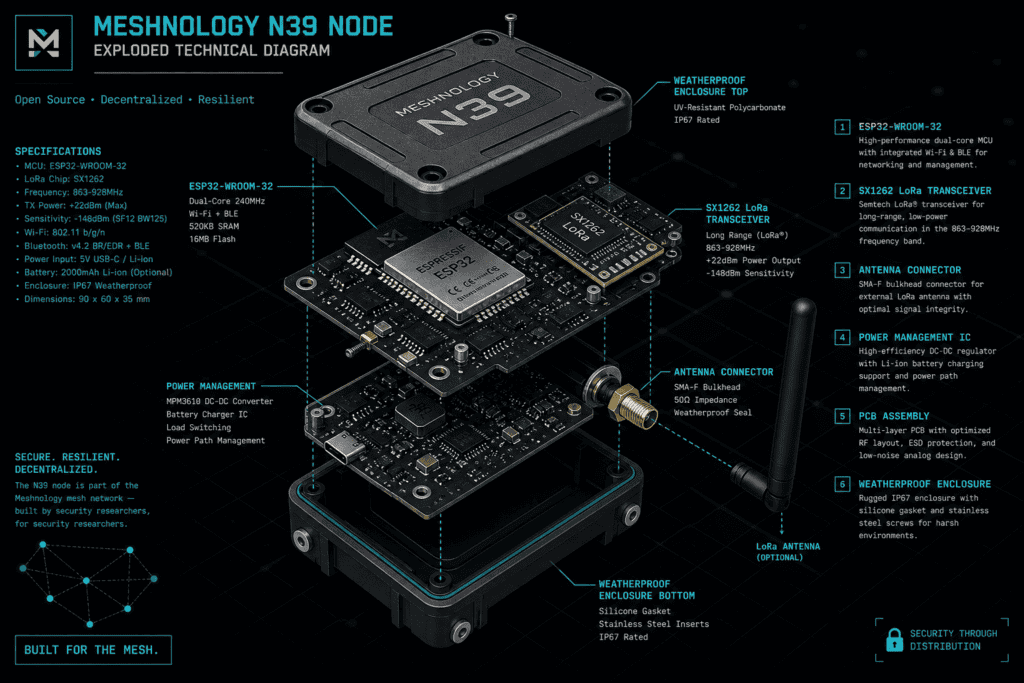
The Meshnology N39 is a flagship meshtastic node , purpose-built for fixed or semi-fixed deployment as a relay or base station rather than a handheld unit you clip to a bag. The distinction matters. Most Meshtastic hardware is optimised for portability. The N39 is optimised for range, stability, and sustained uptime. That’s a different design priority, and it shows in the hardware choices.
It runs on the ESP32 platform with a dedicated LoRa transceiver — typically the SX1276 or SX1262 depending on configuration — and is built around the Meshtastic firmware stack. If you’ve used Meshtastic before, the firmware interface is familiar. What changes is what you’re doing with it: running it as a meshtastic relay station that other nodes route through, rather than as an endpoint.
LoRa (Long Range) operates in the sub-GHz ISM bands — 915 MHz in the US, 868 MHz in Europe. At those frequencies with a decent antenna, you’re looking at line-of-sight ranges measured in kilometres, not metres. Verizon’s infrastructure it is not. But when Verizon is the problem, that’s the point.
Do the frequency homework first. Operating in the wrong band or exceeding EIRP limits isn’t a theoretical problem — it’s an FCC violation with real consequences. In the US, 915 MHz LoRa falls under Part 15 rules, which cap conducted power at 1W (30 dBm) and effective isotropic radiated power at 4W (36 dBm). Antenna gain eats into that budget directly. If you’re adding a high-gain directional antenna, you need to factor that into your power settings. The Meshtastic LoRa configuration documentation covers TX power settings and regional presets — start there before touching anything else.
Also: know your use case. Are you building a permanently mounted LoRa base station off-grid at a fixed site? A mobile relay that gets deployed and recovered? Or a hybrid that does both? The answer shapes your antenna choice, power source, and enclosure decisions. Don’t skip this step and then wonder why your deployment doesn’t do what you wanted.
This is where most builds either succeed or quietly fail. The antenna is the single highest-leverage component in the entire system. A mediocre node with an excellent antenna will outperform an excellent node with a mediocre antenna every time. That’s not opinion — it’s physics.
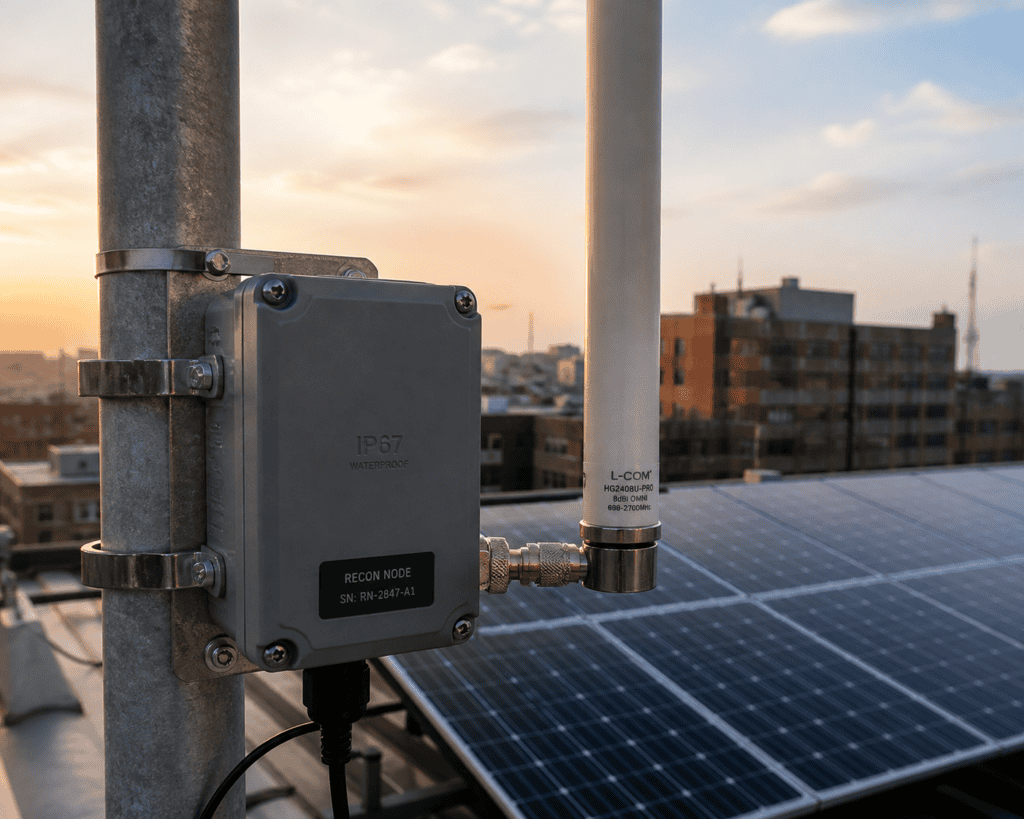
For a fixed base station role, you want a vertically polarised omnidirectional antenna in the 5–9 dBi gain range. Something like a fibreglass whip from a reputable RF supplier. If you have a specific coverage direction you’re trying to reach — a valley below your position, a building across a campus — a directional Yagi or panel antenna will serve you better. Just remember the EIRP math.
Connector standard on the N39 is SMA or RP-SMA depending on configuration — confirm before you order anything. Connector mismatch is the kind of thing that costs you a week of lead time and makes you hate yourself.
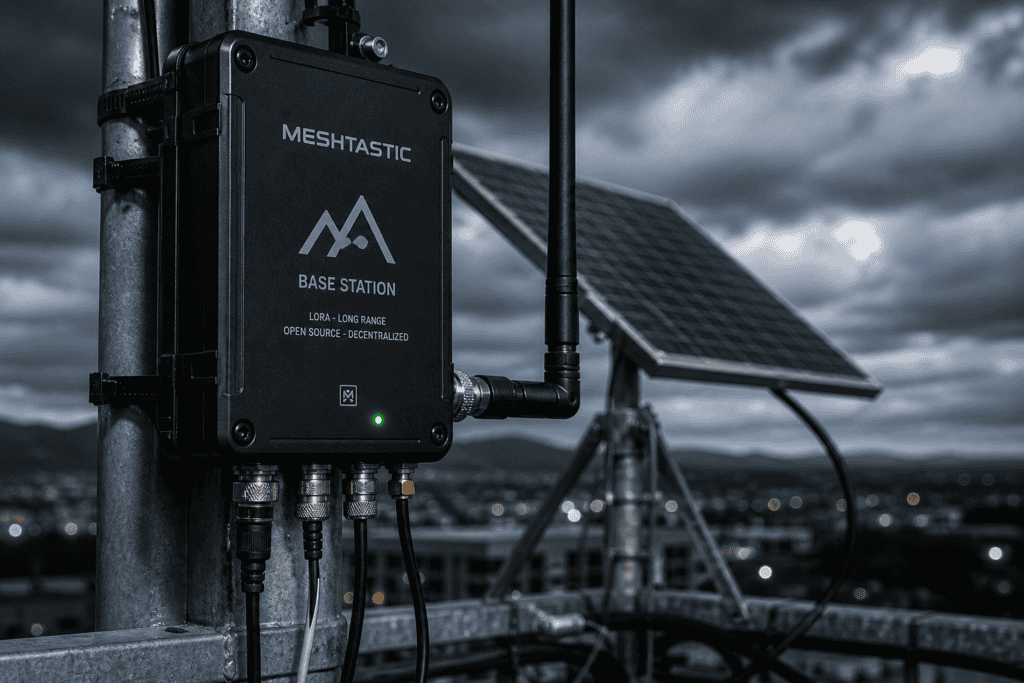
The N39 supports both USB-C power and direct battery input, making solar integration straightforward. For a genuinely off-grid LoRa base station, the canonical setup is: solar panel → charge controller → LiPo or LiFePO4 battery → N39. LiFePO4 is worth the premium for fixed deployments — better thermal stability, longer cycle life, and it won’t turn into a fire hazard if something goes wrong with charging.
Size the panel and battery for your worst-case scenario, not average conditions. If you’re deploying somewhere that might see three consecutive overcast days, plan for it. A 20W panel paired with a 10,000–20,000 mAh battery will keep the N39 running through most weather conditions. The node’s power draw in relay mode is modest — typically under 200mA during transmission, significantly less at idle — so the math generally works in your favour.
If this is going outdoors — and for a real LoRa base station off-grid, it probably is — weatherproofing is not optional. IP65 at minimum. IP67 if you’re anywhere with real precipitation. Run your coax through a weatherproof bulkhead connector, not an improvised hole in the side of a plastic box. That cable entry point is where condensation and water will try to find you.
Mount the antenna as high as feasible. LoRa is line-of-sight dominated at these frequencies. Every additional metre of height translates to real coverage gains. A rooftop mount beats a ground mount. A mast beats a rooftop. The geometry is simple and unforgiving.
Flash the latest stable Meshtastic release. Don’t run dev builds on hardware you’re depending on operationally — that’s a general principle that applies here as much as anywhere else. The Meshtastic Python CLI or the web interface will both get you there. Pick whichever you’re comfortable with.
Set your region correctly. This isn’t just a regulatory checkbox — it controls which frequency channels the device uses and what duty cycle limits apply. In the US: US. In Europe: EU_868. Mismatch this and your node won’t communicate with anything else on the mesh.
For a flagship meshtastic node configuration operating as a base station, consider the Long Range / Fast preset (LONG_FAST) as a starting point. It balances range against throughput reasonably well for relay use. If your network is dense and range is less critical, MEDIUM_FAST increases bandwidth. If you’re trying to reach extreme distances with low message frequency, LONG_SLOW pushes range at the cost of throughput. Match the preset to what the mesh actually needs, not what sounds most impressive.
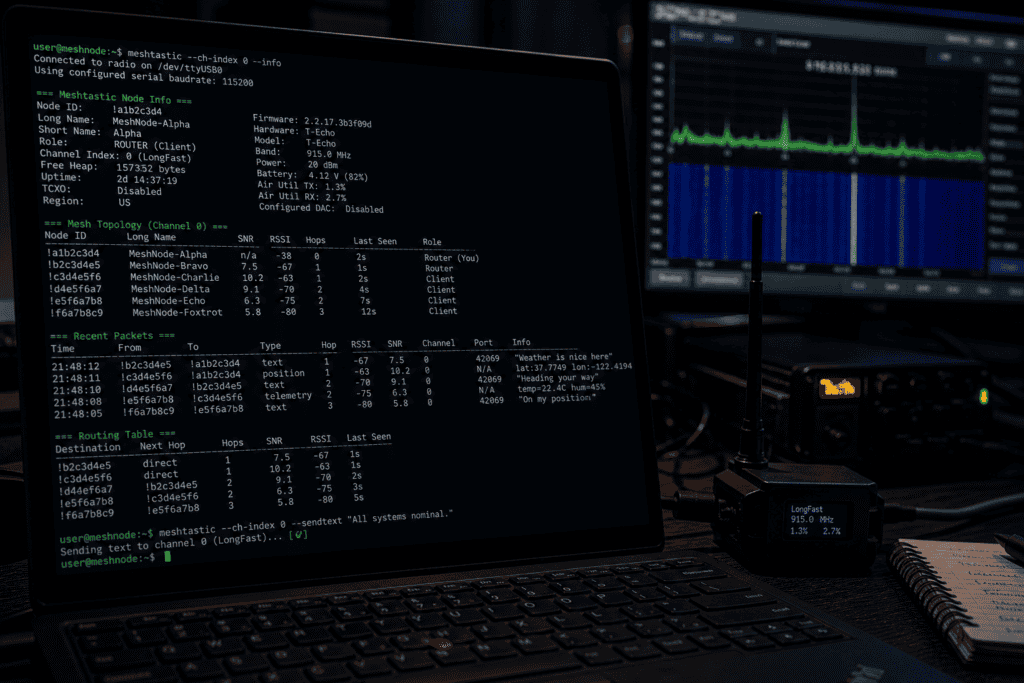
Enable Router mode. This is what turns the N39 from a node into a meshtastic relay station. In Router mode, the device prioritises forwarding packets over initiating its own. It also rebroadcasts with higher priority than standard client nodes. If you’re running multiple fixed relays to create a backbone, Router mode on each one and Client mode on the field units is the right topology.
Set a meaningful node name. When you’re troubleshooting at 2am why a packet isn’t routing correctly, “Node_A3F2” and “Base_Station_North” are not equally useful names. Name things clearly.
Meshtastic uses AES-256 for channel encryption. The default channel key is public — every device running defaults shares it. If operational security matters to your deployment (and for the audience reading this, it probably does), generate a custom PSK for your channel and distribute it out-of-band. This is table stakes, not advanced configuration.
The MITRE ATT&CK framework documents network sniffing as a real and commonly used technique — and LoRa traffic, being RF, is trivially capturable by anyone with an SDR and a little patience. Your channel encryption is the actual security layer here. Treat it accordingly.
Multiple channels are supported if you need to segment traffic — for instance, separating team coordination from sensor telemetry. Each channel gets its own PSK. Use this if your deployment has distinct functional requirements.
This sounds obvious and gets skipped constantly. Test the full system — antenna, power, firmware config — before you deploy it somewhere you can’t easily reach. Send test packets. Verify they’re appearing on the mesh. Check RSSI values on connected nodes to validate your antenna is performing as expected. If you have a second node, walk it out to the edge of your expected coverage area and confirm the link holds.
The Meshtastic app (iOS/Android) gives you a reasonable real-time view of the mesh topology. The Python CLI gives you more. Use both. Know what a healthy mesh looks like before you’re in a situation where you need it to be healthy.
Battery runtime under realistic load is worth measuring empirically before you depend on it. Calculate your theoretical runtime, then run it for 24 hours and see if reality agrees. It usually mostly does. Until it doesn’t.
The honest answer is: the Meshnology N39 LoRa base station setup makes most sense as infrastructure, not as a standalone tool. A single base station extends mesh range and improves reliability. Multiple base stations create a backbone that field units route through. Add MQTT bridging over a backhaul connection and you can gateway the mesh to internet-connected infrastructure without exposing the LoRa layer to the internet directly.
For physical red team operations, the use case is clear: low-intercept, infrastructure-independent comms that don’t rely on cellular coverage the target facility might be monitoring or blocking. LoRa traffic is relatively low-profile compared to cellular or WiFi, and the sub-GHz frequencies penetrate building materials better than most people expect.
For researchers and blue teamers, understanding how these mesh networks operate — and how they can fail — is increasingly relevant as Meshtastic deployments appear in more operational contexts. Knowing how the routing works, where the trust boundaries are, and what the encryption model actually provides (and doesn’t) is genuinely useful knowledge.
The Meshnology N39 LoRa base station setup is not a drop-in solution that works perfectly out of the box in every environment. Antenna placement will matter more than you expect. The firmware has quirks. Battery math in cold weather is different from warm weather. Mesh routing can behave unexpectedly when nodes appear and disappear rapidly.
None of that is a reason not to use it. It’s a reason to test it, understand it, and not deploy it for the first time when something actually depends on it. The same advice applies to every piece of security tooling anyone has ever used. This isn’t different.
What it is: a capable, configurable platform for building resilient off-grid communication infrastructure that you actually own and control, with no third-party dependency on the critical path. That’s a property worth having. If you want to see what other gear is built around the same principles — tools and hardware designed for operators who care about owning their stack — explore the full range at WAI Works.
