
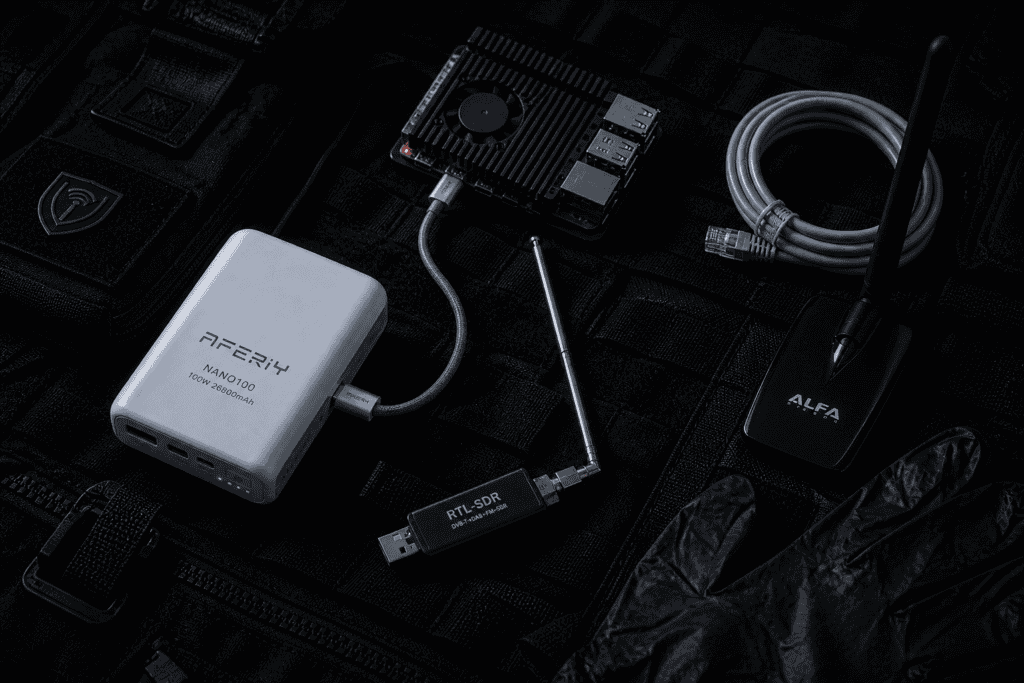
Your Kit Died at the Worst Possible Moment. Again. You’re three hours into a physical engagement, parked in a rental car outside a target campus. The Raspberry Pi 4 running your passive recon stack , Kismet feeding into a local Elasticsearch node, an RTL-SDR logging 433 MHz traffic , just brown-browned out. Not crashed. Starved. Because the “10,000 mAh” power bank you grabbed at the airport delivers a polite 1.8A on its USB-A port and your Pi barely tolerates that under load.
This is not a hardware failure. It’s a planning failure. And it’s embarrassingly common in pentesting kits that are otherwise meticulous.
Portable power bank Raspberry Pi field use sounds like a solved problem. It isn’t. The gap between “will charge your phone” and “will sustain a compute-plus-RF stack for six hours” is enormous, and most bank specs are measured in marketing, not milliamps.
This guide is about fixing that, specifically using the AFERIY Nano100 , a 100W, 20,000 mAh unit that’s been sitting in field kits and getting actual use, not just unboxed for a YouTube thumbnail.
Before talking about the bank itself, let’s be honest about draw. A Raspberry Pi 4 at idle sits around 600mA. Under CPU load — running Bettercap, doing packet injection through an Alfa AWUS036ACH, or processing a Kismet session — you’re looking at 1.2–1.8A sustained. Add an RTL-SDR V3 (roughly 300mA), a USB hub, and maybe a small OLED display or a status LED board, and your stack is comfortably pulling 2.5–3A on a single port.
Most “fast charge” banks top out at 2A on USB-A. Some newer ones hit 3A via USB-C PD, but only on their primary port, and only if your cable negotiates properly. Your Pi’s USB-C input on the 4B is rated for 5V/3A — 15W. Feed it less under sustained load and you get the dreaded lightning bolt icon, throttling, and eventually a hard shutdown at the worst time.
The AFERIY Nano100 specs a 100W USB-C output (20V/5A) via PD 3.0, with a secondary USB-C at 18W and two USB-A ports at 22.5W combined. For a portable power bank Raspberry Pi field use scenario, that primary port alone changes everything.
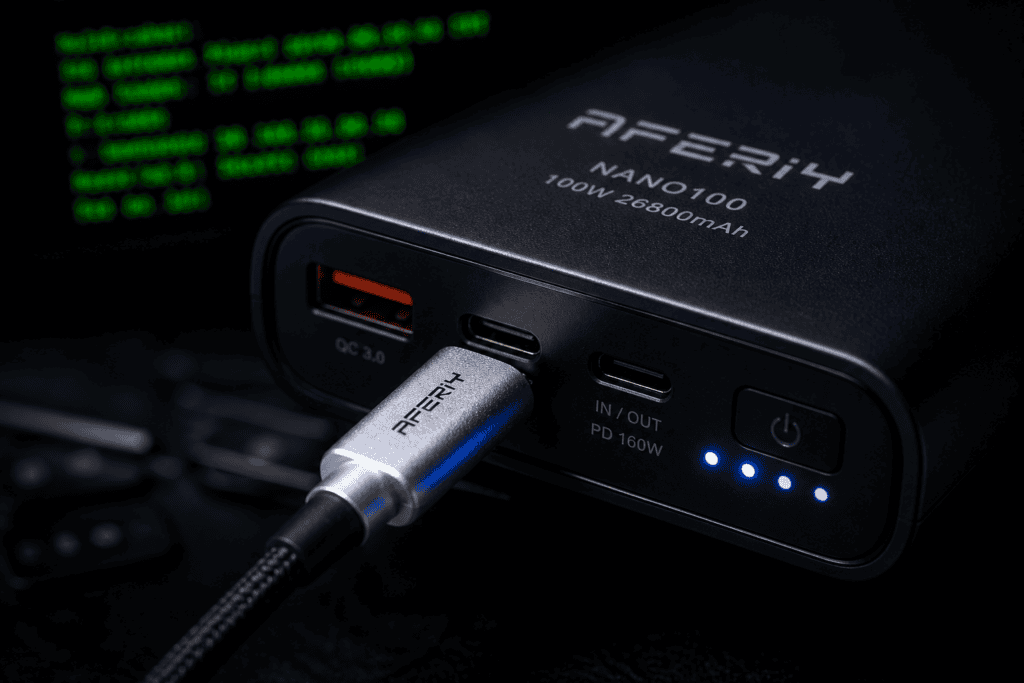
It’s 185g and roughly the size of a thick wallet — 130mm × 66mm × 22mm. That matters when you’re fitting gear into a small backpack or a Pelican 1510 carry-on alongside an antenna, a laptop, and a change of clothes. It doesn’t rattle around. It doesn’t run hot at moderate load. The build feels dense without feeling fragile.
The LED indicator is a four-dot percentage system rather than a granular display. Functional. Not precise. If you need exact remaining capacity for mission planning, you’ll want to track runtime manually or use a USB inline meter — which you should probably be doing anyway.
Test configuration: Raspberry Pi 4 (4GB), running Raspberry Pi OS Lite, Kismet 2023 release, RTL-SDR V3 on a USB 2.0 port, no display, SSH over Wi-Fi, CPU average 60–70% across two cores. Load was real — scanning, logging, occasional spectrum sweeps.
Measured runtime from 100% to shutdown: 6 hours 22 minutes.
That’s with the bank’s primary 100W port running 5V/3A to the Pi via a quality USB-C cable. Efficiency losses are real with any powerbank — the Nano100 claims 90%+ conversion efficiency, and field numbers suggest that’s in the right neighborhood, not aspirational fiction.
Compare that to a generic 20,000 mAh bank at the same capacity: you’d expect 4–4.5 hours on the same stack if it can even sustain the current. The delta is not the capacity — it’s the delivery. A portable power bank for Raspberry Pi field use lives or dies on stable, clean power, not the number printed on the side.
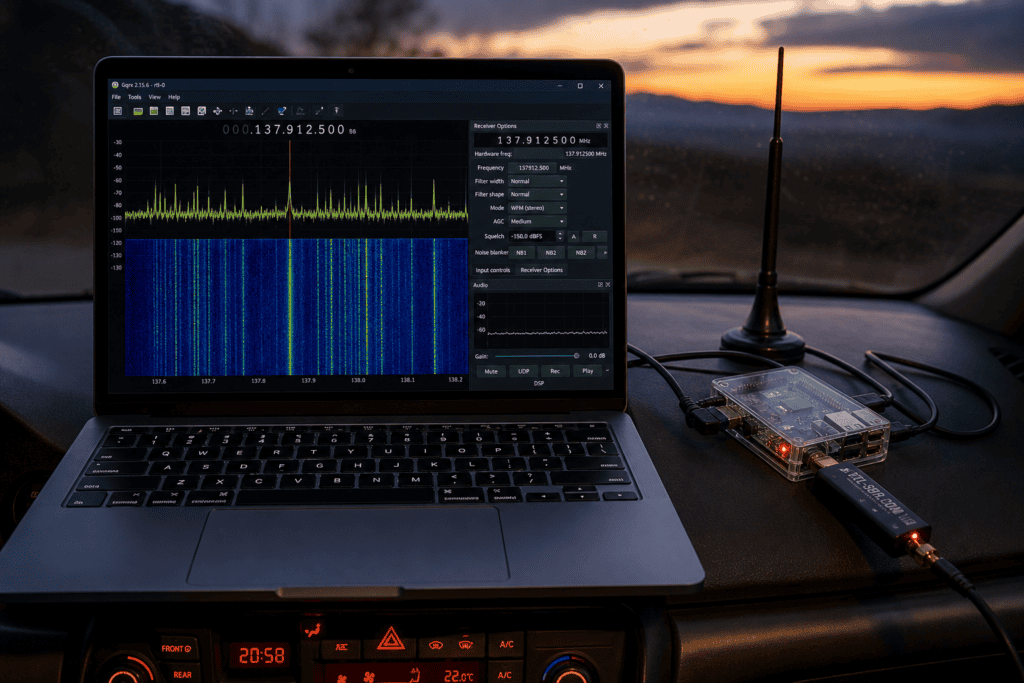
RF work has a power wrinkle that pure compute doesn’t: noise. Power banks — especially cheaper switching regulators — inject switching noise into USB power rails that shows up as interference in SDR receivers. You’ll see it as a repeating spectral artifact, often around 1–5 MHz harmonics, that corrupts your baseline.
RTL-SDR’s documentation has covered this extensively, and it’s a known problem across the category. The Nano100 is not immune, but its artifacts in testing were consistent and minor enough to filter — less intrusive than several name-brand alternatives at the same price. If you’re doing serious signal hunting, a ferrite choke on your USB cable between the bank and the Pi is still a good habit regardless of what bank you’re running.
Power banks for pentesting kits are usually an afterthought. The conversation is all about the Pi model, the Wi-Fi adapter, the antenna — and then someone grabs whatever’s on Amazon Prime and calls it done. Then they wonder why their kit brownouts during a deauth test or why Kismet keeps crashing mid-capture.
Stable power is a dependency. Treat it like one.
For a proper battery for pentesting kit use, you want to evaluate on three axes: peak current delivery (not just total capacity), voltage stability under load (not just at idle), and how the bank handles simultaneous multi-port draw if you’re running more than one device.
The Nano100 handles simultaneous USB-C + USB-A draw without significant port voltage sag in testing. Running the Pi on USB-C primary and an Alfa adapter through a powered hub on USB-A, both ports stayed within tolerance. That’s rarer than it should be.
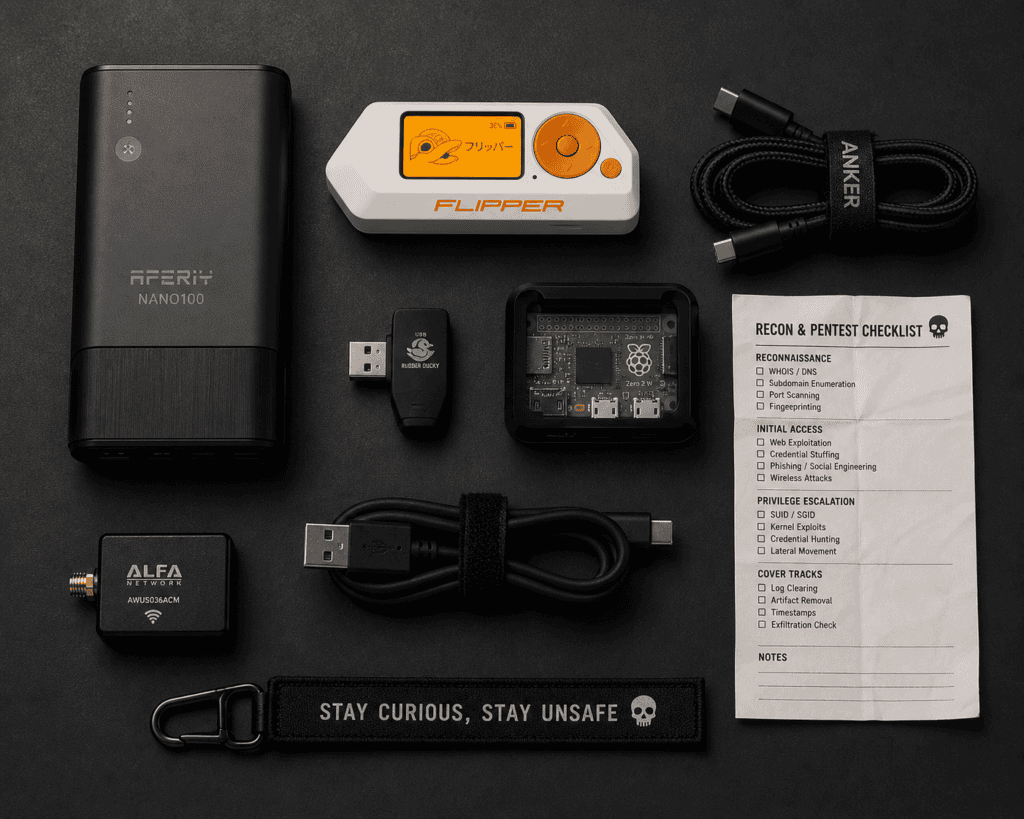
Here’s a working configuration that fits inside a realistic mobile recon kit:
That’s a real simultaneous draw of roughly 4–5A total. Runtime drops to around 4 hours in that configuration — still viable for a half-day engagement window, and honest about the tradeoff.
Anker’s 737 (24,000 mAh, 140W) is the obvious competitor and edges the Nano100 on both capacity and peak output. It also costs significantly more and is physically larger. For a stationary base-camp setup, it’s the better call. For a mobile kit where size and weight matter, the Nano100 is more practical.
The Baseus 100W banks hit similar specs at similar prices. Build quality is comparable. The AFERIY has a slight edge on thermal management in sustained high-output scenarios — the unit stays cooler under 60W+ draw over multi-hour periods, which matters for enclosed bag use.
If you’re evaluating what makes the best power bank for SDR receiver and Pi combinations, the real differentiator is that combination of stable 5V delivery, RF noise floor behavior, and sustained current — not peak spec numbers. Peaks are easy. Sustained delivery under real load is where banks separate.
100Wh is the carry-on limit without airline pre-approval. The Nano100 is rated at 74Wh. That’s intentional — it clears the threshold without paperwork, which matters when you’re traveling for engagements and don’t want to check a bag or have a conversation with a TSA agent about your kit.
According to MITRE ATT&CK‘s physical access technique coverage (T1200 and surrounding techniques), hardware-based attack vectors are increasingly part of documented adversary behavior , which means physical proximity operations, and the gear that enables them, are not niche. They’re expected tradecraft. Your power supply is part of that kit.
A few honest caveats because this guide isn’t a product page:
The passthrough charging behavior — using the bank while it simultaneously charges from a wall adapter — works, but it’s slow. If you’re trying to top off the bank and power the Pi at the same time overnight, expect 8–10 hours for a full recharge under simultaneous load. Not a field problem. Potentially an issue for short hotel stays between consecutive engagement days.
The included USB-C cable is adequate but not remarkable. If you’re drawing close to 60W+, use a rated cable you trust — the bank will negotiate down if the cable can’t handle it, and you’ll wonder why your Pi is running at 2.1A instead of 3A.
Cold weather degrades lithium cell output. If you’re doing outdoor winter ops — rooftop drops, perimeter walks, parking lot surveillance — expect 15–20% capacity reduction below 0°C. Keep the bank inside a layer when not in use. This is true of every lithium bank, not a Nano100-specific complaint.
Portable power bank Raspberry Pi field use is one of those unsexy problems that determines whether your engagement runs smoothly or collapses at hour four. The AFERIY Nano100 isn’t magic — it’s a well-specced, appropriately sized, practically priced unit that delivers what it promises under real conditions. In a category full of inflated specs and optimistic marketing, that’s not nothing.
It won’t replace a dedicated LiPo battery pack for extended multi-day deployments. It won’t eliminate RF noise if your SDR setup is already sensitive. And it won’t rescue you if you forgot to charge it the night before.
But for a mobile pentesting kit, a passive RF monitoring stack, or any scenario where you need reliable, high-output portable power bank Raspberry Pi field use without checking a bag or explaining yourself at airport security — it’s a solid, considered choice.
If you’re building out the rest of your field kit around the same standard, see what we carry , the gear on the site is curated for people who actually use it, not people who write about using it.
