
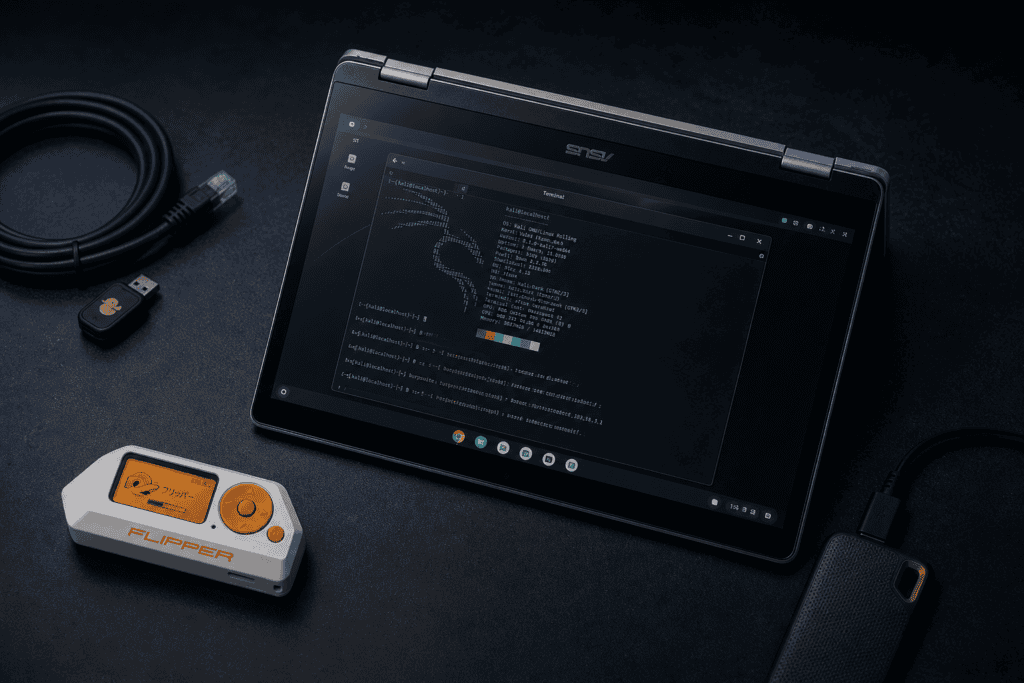
Yes, People Are Actually Running Pentesting Tools on Chromebooks because they ran out of options. Because for a certain class of engagement , covert, mobile, budget-conscious, or just experimentally inclined , a modern Chromebook is more capable than its reputation suggests.
The ASUS CX34 Flip in particular has been quietly showing up in security community threads for exactly this reason. It’s a convertible with decent hardware, a solid build, and — critically — full Linux container support baked into ChromeOS via Crostini. That last part is what makes a Chromebook penetration testing setup actually viable rather than a party trick.
This isn’t a guide for people who want to “try hacking.” It’s a practical breakdown for researchers and red teamers who are curious whether this hardware pulls its weight in a real workflow. The answer is nuanced, so let’s get into it.
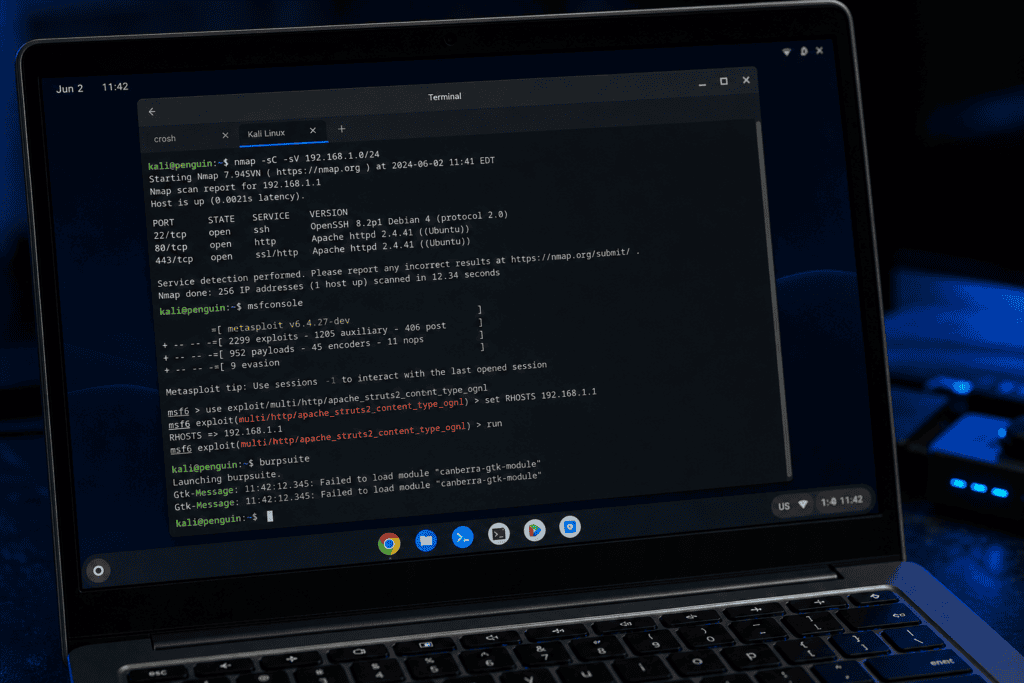
The ASUS CX34 Flip ships in a few configurations. The one worth running a Chromebook penetration testing setup on is the Intel Core i5-1235U variant — 10 cores, 12th gen, Iris Xe graphics. It’s not a workstation. But it handles concurrent Metasploit sessions, Burp Suite interception proxies, and a few open terminals without buckling.
RAM is the real constraint. The 8GB model will make you feel every single tab in Burp’s scanner. The 16GB config is what you actually want — especially if you’re spinning up Docker containers or running a lightweight VM inside the Linux environment. Thermal management is better than you’d expect from a fanless-looking chassis, but under sustained load (nmap -A across a /24, say), it’ll throttle. That’s not disqualifying — it’s just real.
Storage is eMMC on most SKUs — 128GB or 256GB. Not NVMe. This matters if you’re dealing with large wordlists (rockyou.txt is fine; a custom 100GB corpus is not), forensic disk images, or packet captures from longer engagements. Plan accordingly. An external SSD over USB-C is not a workaround, it’s just the setup.
The flip form factor matters more than you might think. Tent mode makes it a reasonable OSINT terminal when you’re stuck in a coffee shop pretending to be a student. Touchscreen is there if you want it. The 180-degree hinge also means the screen folds completely flat, which has its niche uses.
Here’s the uncomfortable part of any Chromebook penetration testing setup conversation: ChromeOS is a managed, verified-boot OS built around the assumption that the OS itself is a threat surface worth protecting. That’s philosophically at odds with the “everything is a target” mindset you bring to a pentest.
But Google’s threat model isn’t your enemy here — it’s just a constraint. The Linux on Chromebook pentesting approach works through Crostini, ChromeOS’s Linux development environment, which runs a Debian-based container on top of a hardened kernel. You get real Linux. You get apt. You get your tools. You don’t get raw hardware access by default, and you won’t easily be talking directly to wireless adapters or USB devices without some deliberate configuration.
That’s the tradeoff. Understand it before you commit.
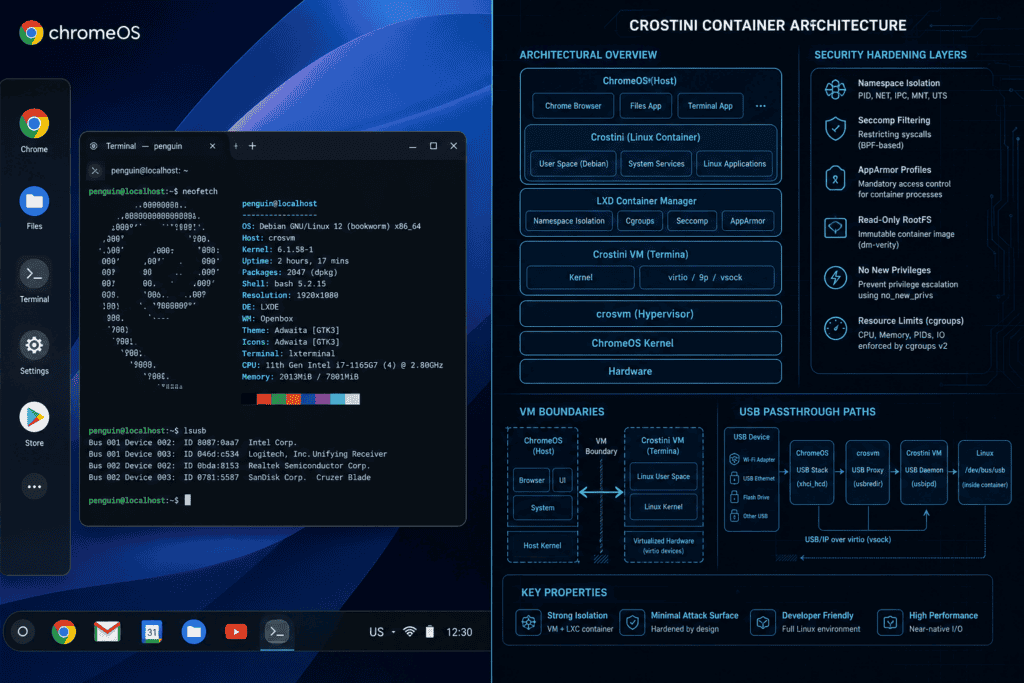
You have two real options for Chromebook Kali Linux install, and they’re not equally good.
ChromeOS ships with a Debian container. You can replace that with a Kali container without touching developer mode — which means verified boot stays intact, and you’re not voiding anything or opening the firmware to tampering.
The process: enable Linux in ChromeOS settings, then use lxc to pull and configure a Kali image, or use the Kali Linux LXC documentation to do it cleanly. It’s not a two-click setup, but it’s well-documented and reversible.
What you get: apt access to the full Kali repos, a working terminal, network tools scoped to the virtual interface Crostini exposes, and GUI apps via Sommelier (X11/Wayland bridge). Burp Suite runs. Wireshark runs — on virtual interfaces. Metasploit runs. This covers a significant chunk of a standard web app or internal pentest workflow.
What you don’t get: direct wireless card injection. The WiFi adapter in the CX34 does not present as a raw device to the container. If wireless assessments are your bread and butter, this path is already compromised — no pun intended.
Enabling developer mode kills verified boot and gives you root access. From there, Crouton lets you run a chroot Linux environment (including Kali) alongside ChromeOS — or you can flash a custom UEFI firmware via MrChromebox and install full Kali as the only OS, turning the CX34 into a standard x86 Linux laptop.
The full flash route is the one that makes the hardware sing for a Linux on Chromebook pentesting workflow. You get direct hardware access. WiFi adapter behaves like a WiFi adapter. USB devices pass through cleanly. The performance ceiling disappears because you’re not paying the virtualization overhead.
The cost: you’ve permanently altered the firmware (reversible with effort, but not trivially), the CX34’s warranty is functionally void at that point, and if it’s a managed corporate device — don’t. Just don’t.
Let’s be specific. A Chromebook penetration testing setup that stays within Crostini is legitimately useful for:
The MITRE ATT&CK framework maps most of that to Initial Access, Discovery, Credential Access, and Collection phases , which covers a significant chunk of a typical engagement before you’re deep into lateral movement.
What doesn’t work well without the full firmware flash: wireless attacks, Bluetooth tooling, USB gadget mode attacks (rubber ducky emulation, BadUSB workflows), and anything requiring raw hardware access or kernel module loading that Crostini blocks.
Battery life during pentesting operations is genuinely good on the CX34. Most comparable pentesting laptops are chewing through a charge in 3-4 hours under load. The CX34 will push 6-8 hours on mixed workloads — Chrome tabs, a running container, active SSH sessions — because ChromeOS is doing smart power management that even the Linux layer benefits from.
For surveillance-style engagements where you’re sitting somewhere for a long time with a machine that needs to look inconspicuous, this matters more than raw performance.
The form factor also passes the visual test. A Chromebook sitting open in a lobby looks like an intern’s machine. That’s either irrelevant or extremely relevant depending on the engagement.
GPU-accelerated cracking is not happening here at useful speeds. The Iris Xe can technically run OpenCL-based Hashcat, but compared to even a budget discrete GPU, the hash rates will make you sad. Offload this to a remote cracking server or accept that you’re doing CPU-only work.
Storage I/O. eMMC is slower than NVMe. For large pcap analysis or disk forensics, you’ll feel it.
Wireless penetration testing in the Crostini setup is effectively off the table without a USB wireless adapter that supports monitor mode and packet injection — and even then, passthrough to the container requires some deliberate USB configuration work in ChromeOS settings. It can be done. It’s not elegant.
And let’s acknowledge the elephant in the room: if your org has compliance requirements around endpoint security, running sensitive engagement data through a Chromebook that syncs to Google’s ecosystem — even partially — might create conversations you don’t want to have.
The cybersecurity Chromebook guide that sells you on this hardware as a primary pentesting machine is overselling it. But that’s not really the frame.
The CX34 Flip as a secondary machine, a travel rig, a CTF platform, or a low-cost entry point for someone building out a Chromebook penetration testing setup for the first time? That’s a defensible choice. The price point alone — typically $400-600 USD depending on configuration — means you can buy two of them for what a dedicated Kali laptop from a security hardware vendor costs.
For junior researchers who want a solid Linux on Chromebook pentesting environment that runs real tools without spending professional workstation money, the value proposition is clear. For senior red teamers who need hardware-level access, WiFi card flexibility, and full control over the OS stack — you know what you need, and it’s probably not this.
It works. Mostly. The Crostini setup works for about 70% of what most practitioners do on a typical engagement. The other 30% is where it shows its constraints. Whether that trade is worth it depends entirely on the role this machine plays in your toolkit.
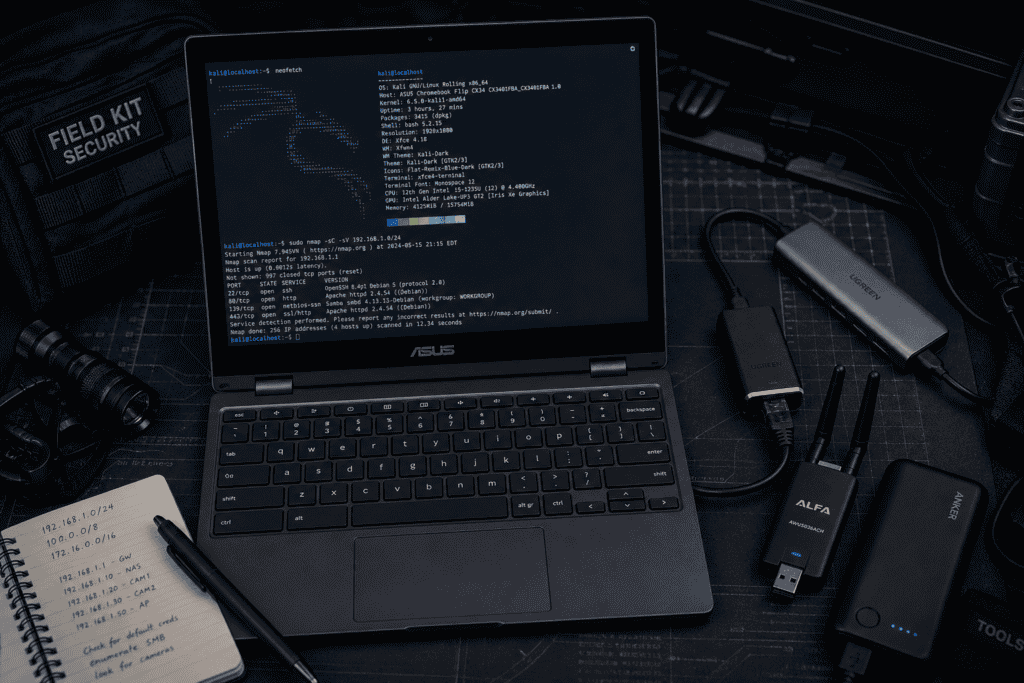
Security tools don’t validate hardware. Practitioners do — by actually using it, running into the walls, and deciding whether the tradeoffs are acceptable for a given job. The Chromebook penetration testing setup conversation has evolved from “that’s ridiculous” to “it depends” in about three years, which tracks with how quickly Crostini matured and how capable the underlying Intel hardware has gotten.
The CX34 Flip isn’t trying to be a ThinkPad X1 Carbon running Kali bare metal. It doesn’t need to be. What it is: a capable, portable, weirdly practical platform for a specific kind of security work — if you go in with clear eyes about its limits.
If you’re building out your kit , whether that’s a primary workstation, a secondary travel rig, or purpose-built hardware for specific engagement types , it’s worth knowing what’s actually available and what those tools are designed to do. See what we carry and make your own call.
